
Seven Studio
3D Commerce Production Services
Engage an individual specialist service or coordinate several capabilities for your product catalog. Agree the deliverables, production responsibilities and review checkpoints for your project.
Discuss Your ProjectSpecialist Services, Coordinated Around Your Products
Choose the capabilities your project needs. Each service explains its deliverables and where it fits in production.

3D Modeling
Product geometry from CAD, photos and references. Scope model structure and variants; materials and finished imagery are separate.
Explore service
Product Rendering
Stills, product views and animation from approved 3D assets. Agree visual direction, variants and the output specification.
Explore service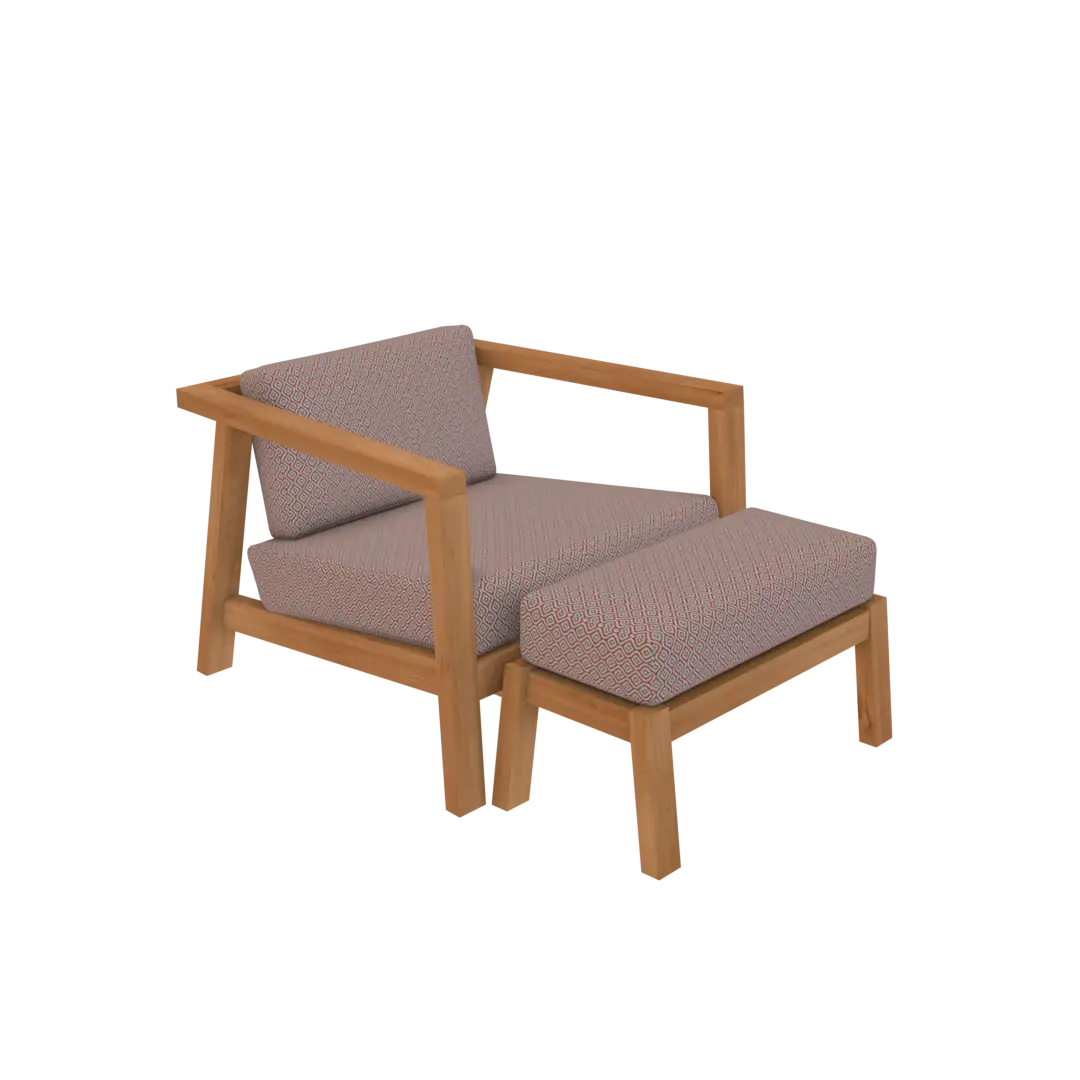
PBR Texturing and Materials
Materials, textures and finish variants for existing geometry. Agree references, UV requirements and destination budgets.
Explore service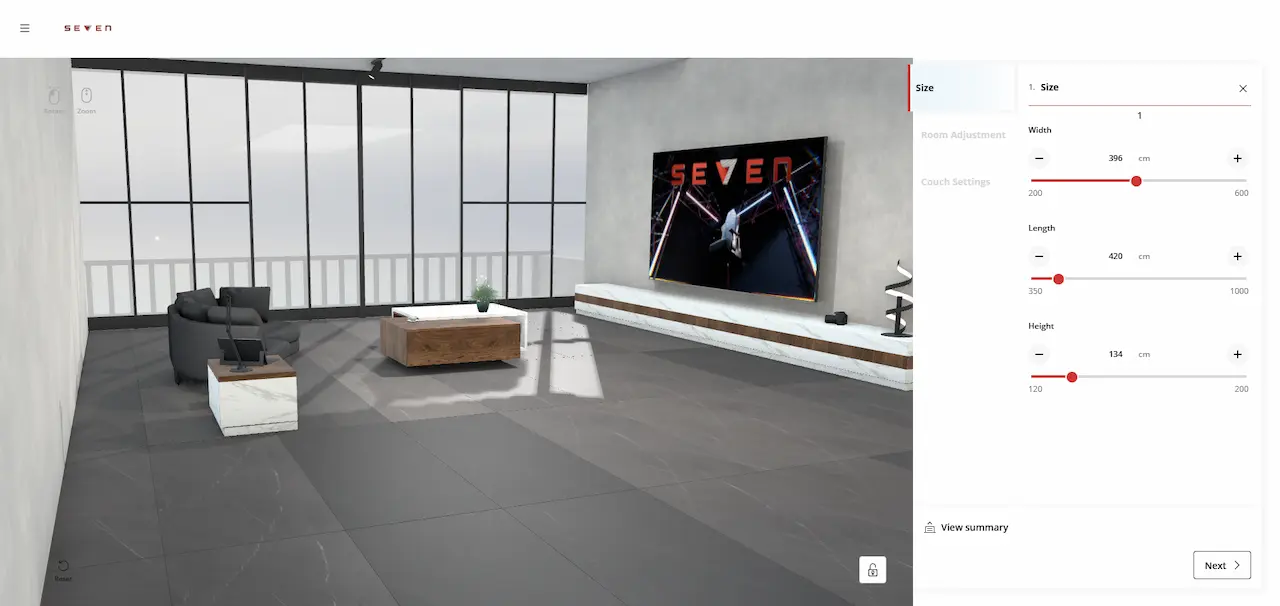
3D Configurators
Interactive product configuration with agreed options, behavior and integration scope. Asset delivery alone does not include implementation.
Explore service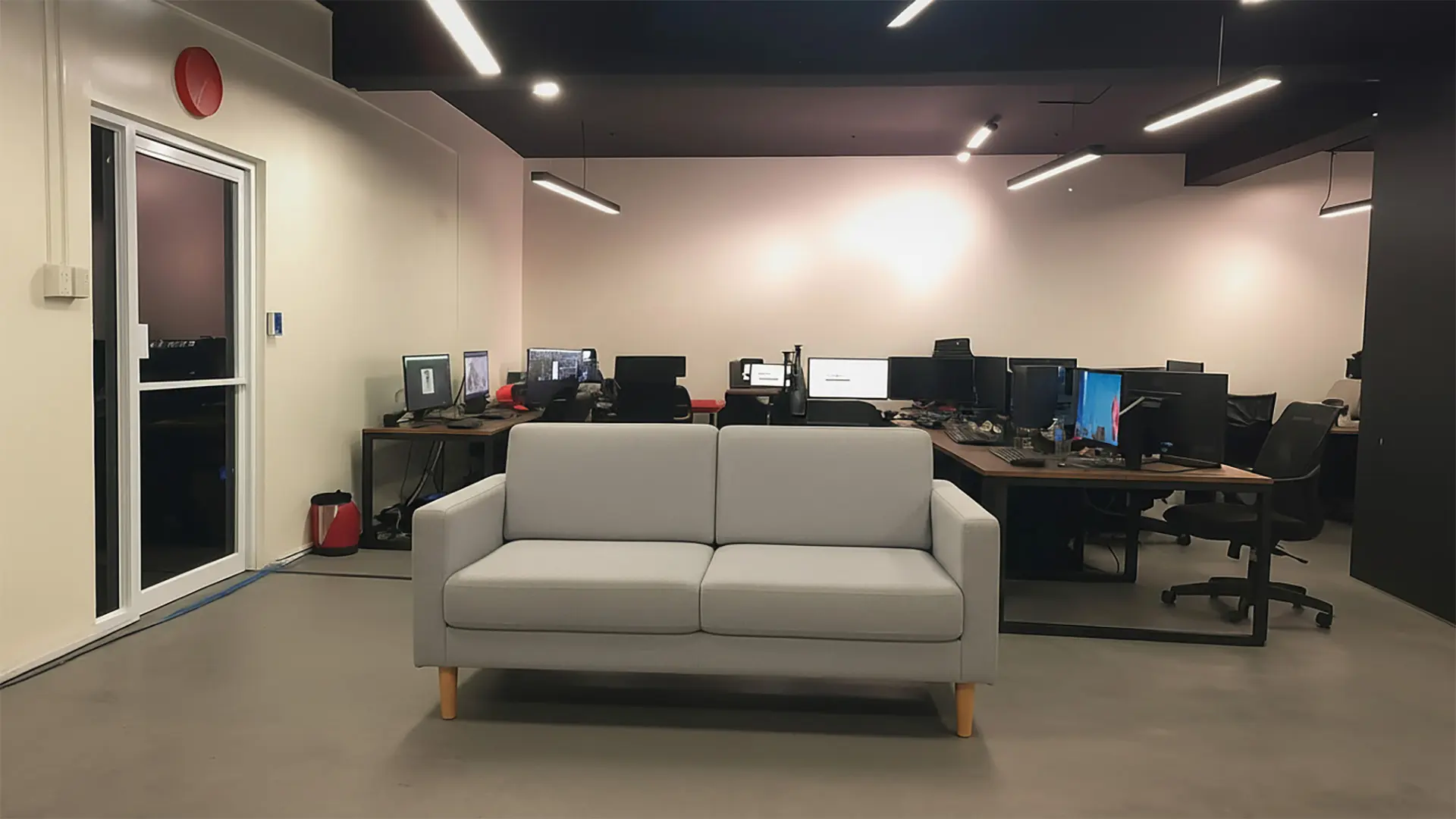
Ecommerce AR
Product assets and AR experiences prepared for agreed devices and commerce destinations. Confirm format and viewing requirements.
Explore service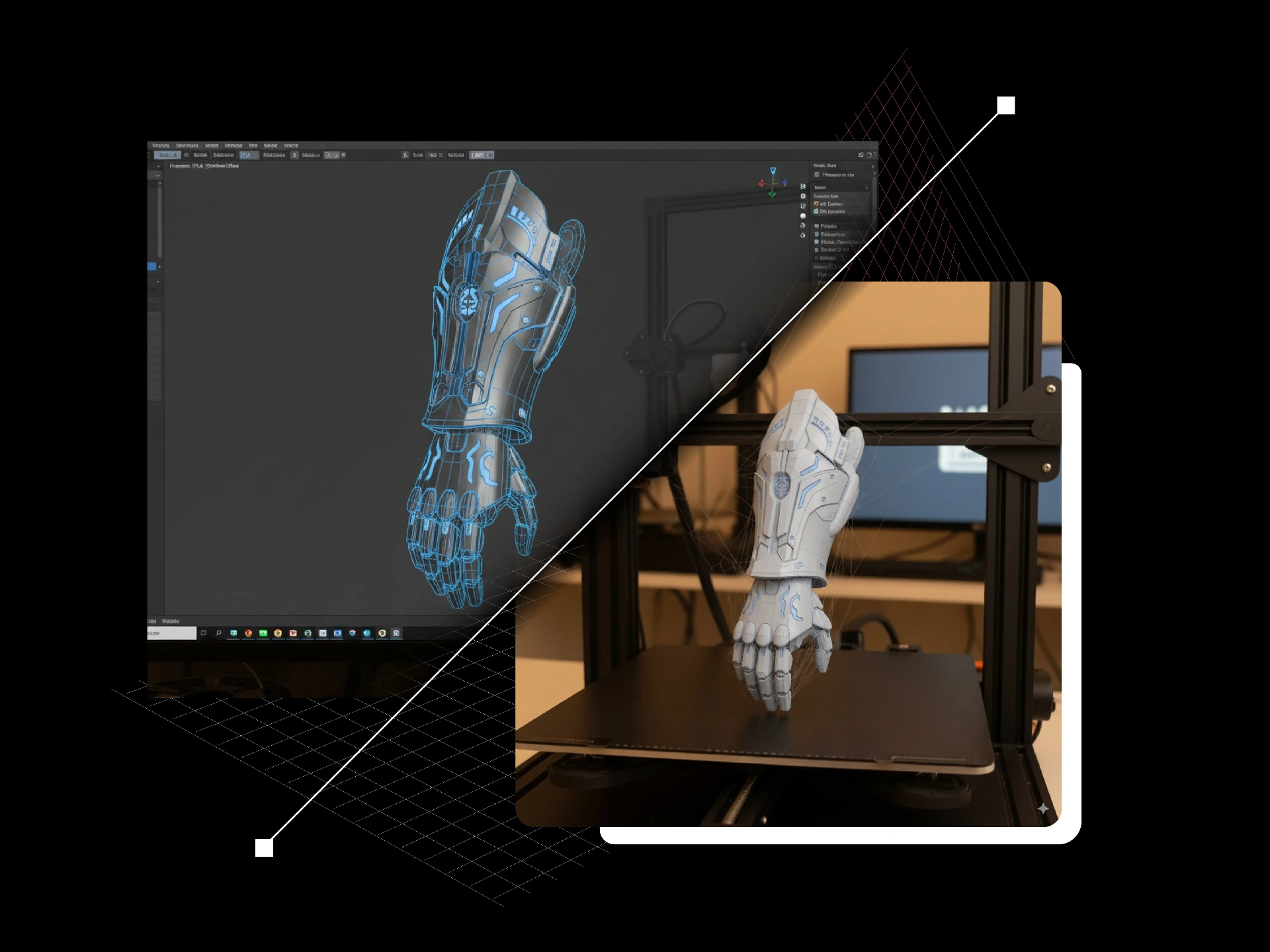
Print-ready Modeling
Geometry prepared for an agreed printing process. Confirm scale, dimensions and manufacturing requirements with the production provider.
Explore serviceHow the Capabilities Fit Together
Start with the assets you already have. This is a guide to possible handoffs; every project does not need every stage.
References and CAD
Assess photos, drawings, dimensions or existing models and identify what needs preparation.
Geometry and materials
Model the product and prepare textures or finish variants where the brief requires them.
Imagery and views
Render the approved assets when the deliverable is a still image set, spin or animation.
Interactive or AR delivery
Prepare for the agreed destination. Scope configurator behavior and platform implementation separately.
Product Families, Variants and Catalog Batches
Plan the shared and unique parts of your products, the material options and the required outputs. Agree a representative sample, naming and variant mapping before extending a batch. Reuse depends on the asset structure and destination; new products or requirements may need additional work.
Choose the Right Engagement Boundary
Asset production and finished imagery
Models and materials are production assets. Rendered images are finished visual outputs. Agree which you need and where each will be used.
Configurator implementation
Interactive options, commerce logic and integrations are a separate scope from producing assets. Colengo / oneCORE implementation has its own specialist page.
Platform-specific delivery
Shopify, BigCommerce, Apple Quick Look and Three.js have different requirements. Confirm the destination and import checks; asset preparation does not imply a complete storefront implementation.
Discuss the Services Your Project Needs
Share your product scope, available assets and intended outputs. Start with an individual service or discuss a coordinated production plan.
Discuss Your Project