Technical10 min read
PBR texturing for ecommerce: maps, UVs and QA
What professional PBR texturing delivers: map sets, UV layout, texel density, texture budgets and the QA checklist that keeps a catalogue consistent.

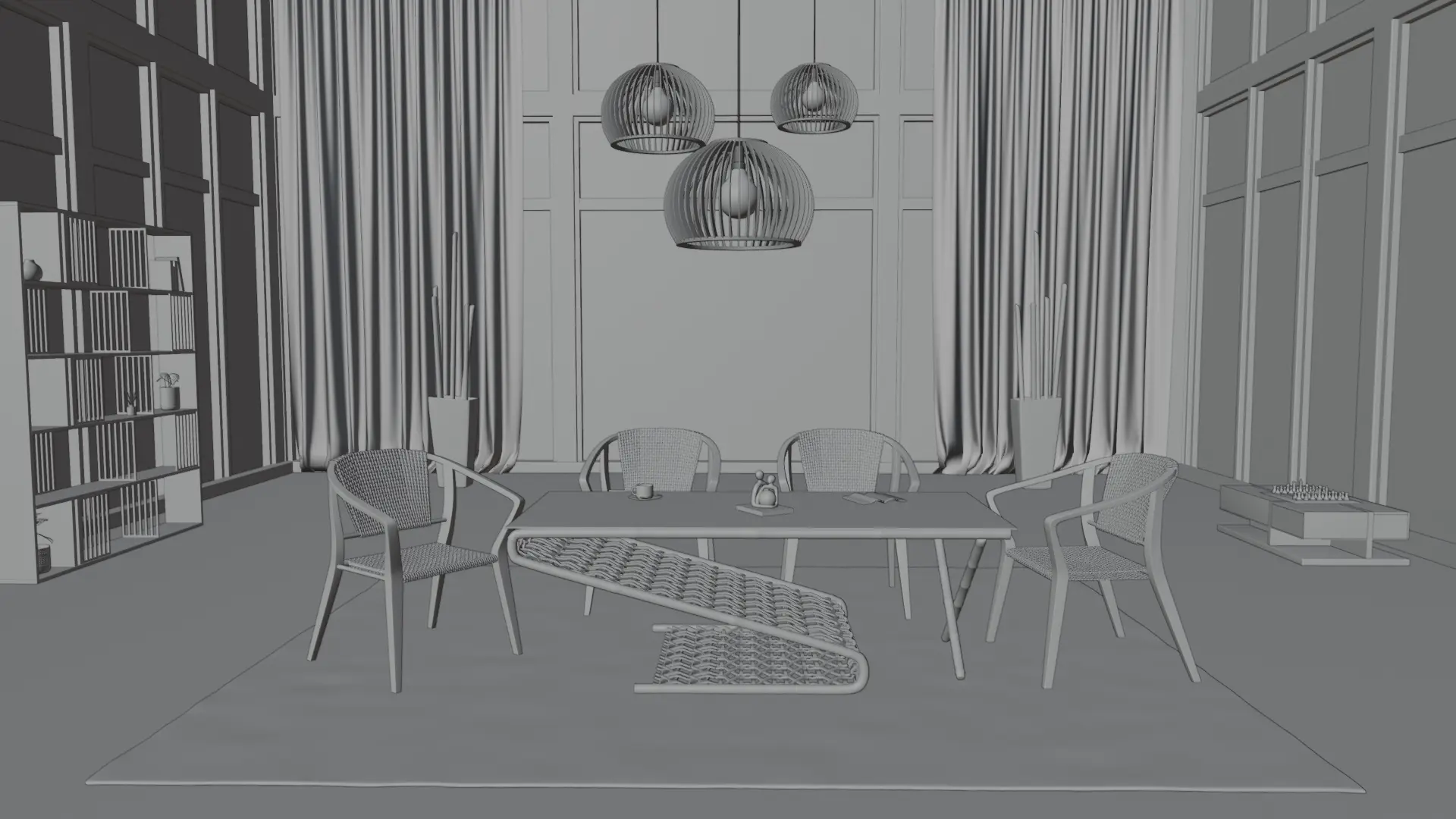
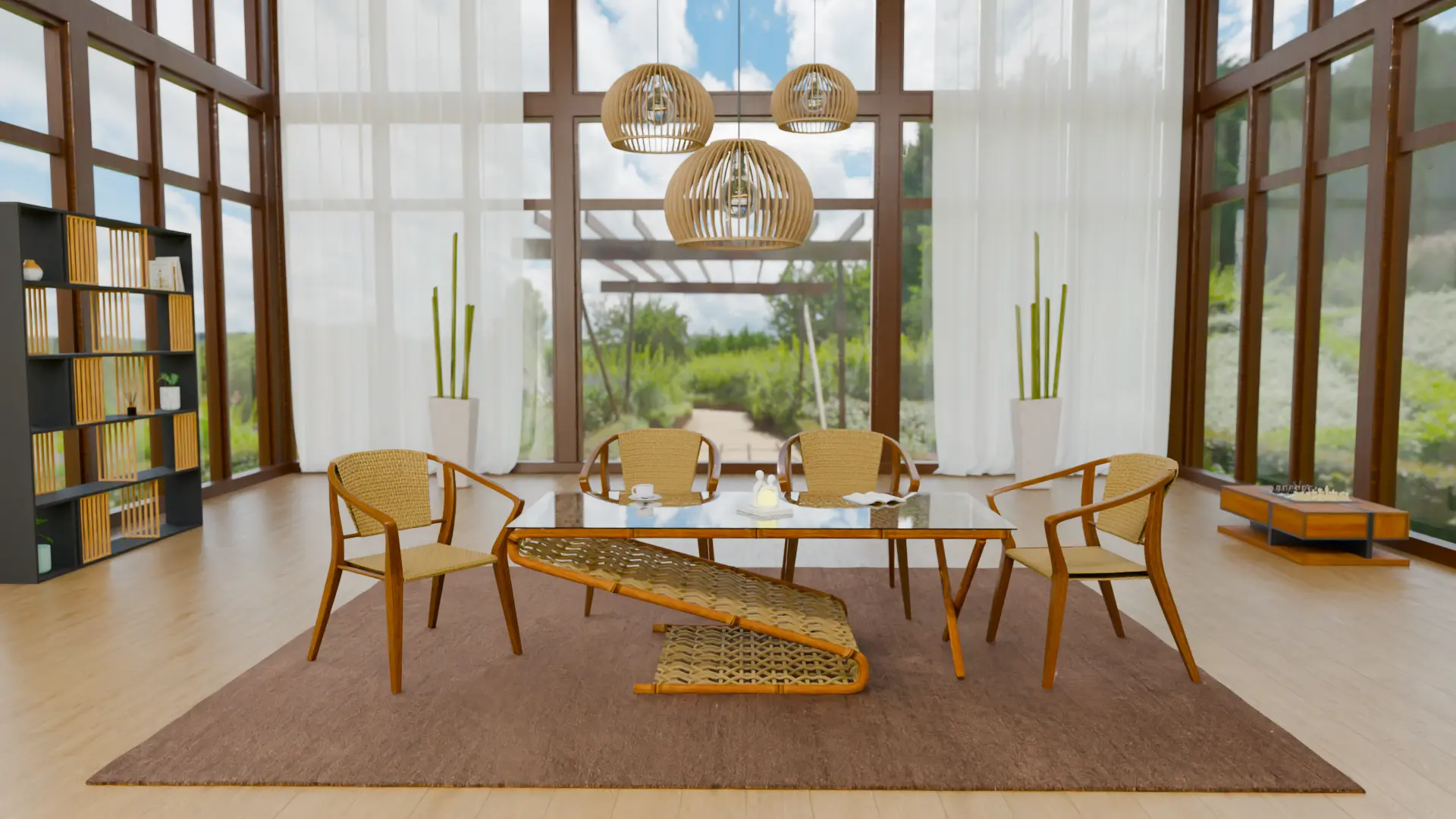
Turn CAD, photos and product references into 3D models for ecommerce catalogs and product configurators. We scope geometry, variants and delivery around your destination platform, with specialist review at agreed checkpoints.
Get a Product Modeling QuoteView Product Modeling WorkWhat should you send us? Start with a sample product and the references you already have.
Share CAD, technical drawings, dimensioned photos or existing 3D assets. We review the source files and agree any conversion or rebuilding work; CAD format support is confirmed during scoping.
Include dimensions, product references, a variant list and material references. Tell us the destination platform and intended use, from an ecommerce product page to a configurator.
Missing measurements are questions to resolve together before modeling, not dimensions to guess.
Agree the geometry and handoff scope for each product before production begins.
Model product geometry from the agreed references, with topology cleanup where needed. Scope detail levels around the product and its intended use.
Agree UV preparation, material slots, object and scene naming, and any required pivots or origins. Define export requirements and which files the handoff includes.
Material creation and texturing, finished renders and configurator implementation are separate scopes to agree alongside the geometry.
Plan how related products fit together so the catalog can be organized as a production batch.
Identify reusable components and a family base where construction permits. Changes in size, construction or detail may need separate geometry.
Agree product IDs, naming, component hierarchy and variant mapping. Distinguish geometry options from material choices and configurator rules.
Reuse depends on the source asset and destination requirements. A model for one use may need adaptation for another.
Browser, mobile, ecommerce, configurator, AR and offline rendering requirements can differ.
Agree export formats, scale, orientation and topology with the destination requirements. Include the target platform or engine and relevant versions in the brief.
Scope polygon counts, draw calls, texture budgets and LODs where needed for the intended device and viewing distance. There is no single budget for every destination.
Confirm the target before promising asset reuse or compatibility. AR delivery and browser-engine work have their own requirements.
Agree the responsible reviewer, representative product, acceptance criteria and batch checkpoints before production.
Scope reference, dimension, scale and topology checks against the supplied product information. Resolve missing details with your team at the agreed checkpoints.
Agree UV and material handoff, target import checks and visual or performance checks needed for the project. Define how feedback and acceptance are recorded before moving through the batch.
The review plan defines which checks are included. Delivery batches and revisions depend on the agreed scope and available references.
Furniture examples first, followed by other visualization work. Materials and lighting shown can involve work scoped separately from modeling.
Share a sample product, available CAD or photos, dimensions, variants and your target platform so we can define the modeling scope.
Get a Product Modeling QuoteGuides from our 3D production team on this topic.
What professional PBR texturing delivers: map sets, UV layout, texel density, texture budgets and the QA checklist that keeps a catalogue consistent.
A step-by-step guide to scoping, modelling, rule-building and shipping a 3D product configurator, from asset preparation to platform choice.
Real-time 3D in the browser or pre-rendered product imagery? Cost per variant, load time, AR support and where each approach pays for itself.